Critical Formatting Errors What Makes Your Resume Fail in ATS and with Recruiters
Reading time 1 min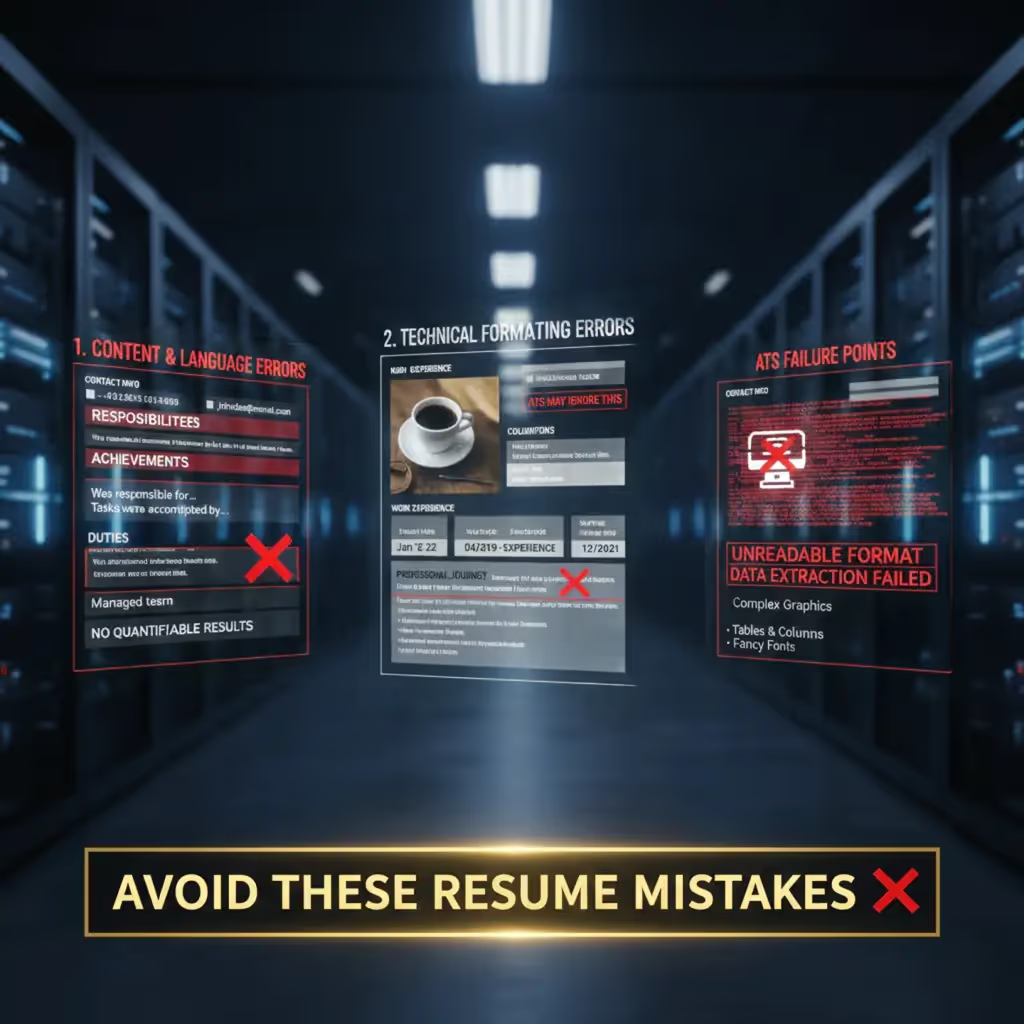
Even a well-written resume can be rejected if it contains formatting errors, as these distract the recruiter or prevent the ATS from processing the information correctly.
Fatal Errors in Content and Language:
- Grammatical and Spelling Errors: These are the number one cause of rejection. The ATS will not recognize misspelled words.
- Passive Language: Using passive voice instead of strong action verbs weakens the impact of your achievements.
- Not Demonstrating Results: Focusing on duties instead of quantifiable achievements is one of the biggest mistakes.
- Missing or Incorrect Contact Information: If the recruiter cannot contact you, all the effort is useless.
- Use of Personal Pronouns: Avoid “I” or “We”.
Technical Formatting Errors (Avoid ATS Failures):
- Overly Creative Design: Avoid complex layouts, flashy colors, graphics, photos, tables, or multiple columns, as they confuse the ATS and distract the recruiter.
- Headers and Footers with Critical Information: The ATS may ignore text in these areas; place contact information in the main body.
- Inconsistent Dates: Mixing formats (e.g., “Jan 2022–Mar 2023” and “1/2022–3/2023”) confuses the ATS. Use a uniform and complete format (month and year).
- Non-Standard Section Titles: Use “Work Experience” instead of “Professional Journey”.
- Uncommon or Small Fonts: Use standard fonts (Arial, Calibri) in a readable size (10-12 points).
Join our newsletter
Generate your professional resume now. Free, no registration, instantly downloadable. Get started in seconds and download your ATS-optimized PDF resume.